

Brand · 21 products · Office & WFH, Tech & Gadgets and Gaming
Logitech
Is Logitech worth buying?
Logitech earned a buy verdict on 13 of the 21 Logitech products we compared (62%), above the 50% average across every brand on the site. 6 won their comparisons outright: Logitech MX Master 4, Logitech MX Ergo S, Logitech MX Vertical and Logitech Brio 500 and 2 more. 4 are an "it depends": right for a specific buyer, not for everyone. We would skip 4: Logitech G502 X Plus, Logitech H390, Logitech Blue Yeti and Logitech StreamCam.
Verdicts synthesize independent testing and long-term owner reports; we do not run a lab and never take review units. Each product below links to the comparison it was judged in. How we review.
Buy it 13 products
-
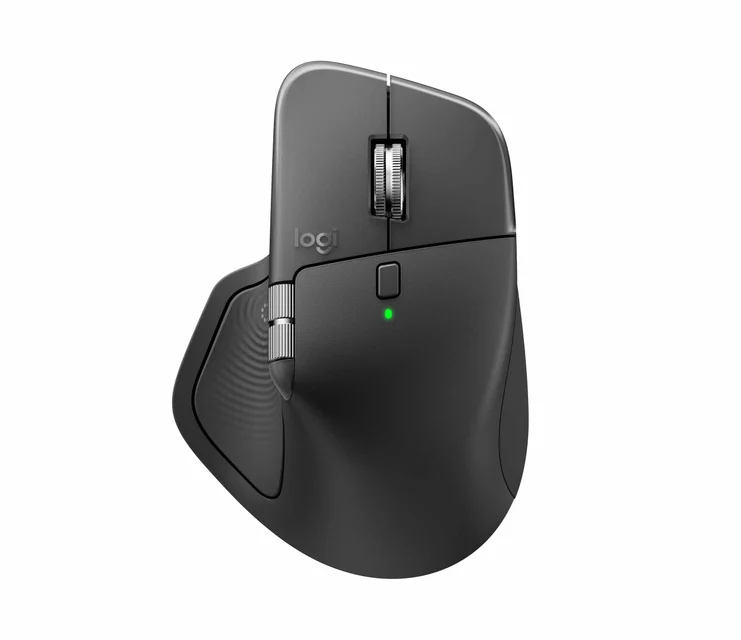
Best Wireless Mice for Office Work in 2026 · Tech & Gadgets
Logitech MX Master 4Won the comparison
The default full-size productivity mouse: sculpted comfort, an electromagnetic scroll wheel and quiet clicks.
Best for: Desk-bound workers with medium-to-large hands who scroll long documents and spreadsheets all day.
$$$ · premium
-
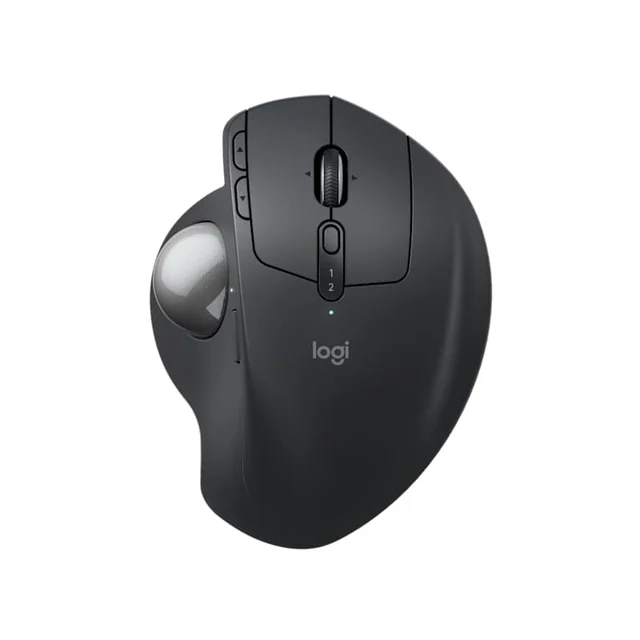
The Best Trackball Mice: 4 Compared (and One to Skip) · Office & WFH
Logitech MX Ergo SWon the comparison
The most complete thumb trackball, and the only one here with an adjustable tilt that actually eases wrist strain.
Best for: Right-handed desk workers who want the most refined thumb trackball and value adjustable ergonomics.
$$$ · premium
-
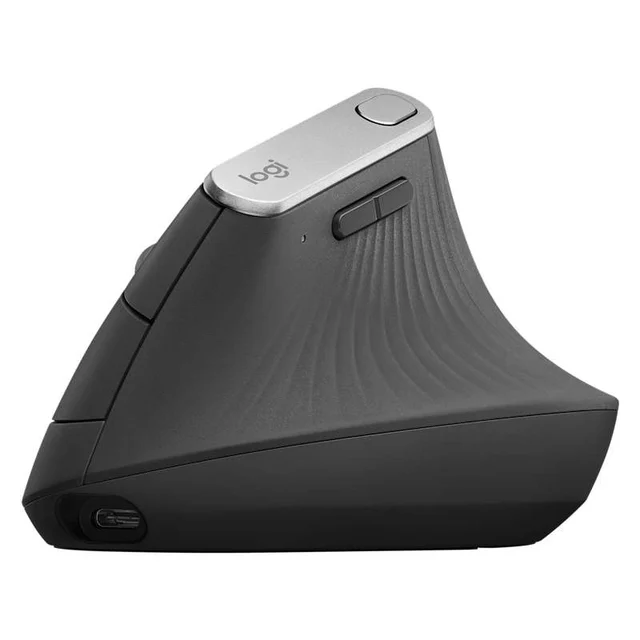
The Best Vertical Mice for Wrist Comfort: 4 Compared (and One to Skip) · Office & WFH
Logitech MX VerticalWon the comparison
The all-rounder that gets vertical right - a 57-degree angle, a proper sensor, and premium build without going full medical device.
Best for: Most people with medium-to-large hands who want one vertical mouse that just works for daily office and creative use.
$$$ · premium
-
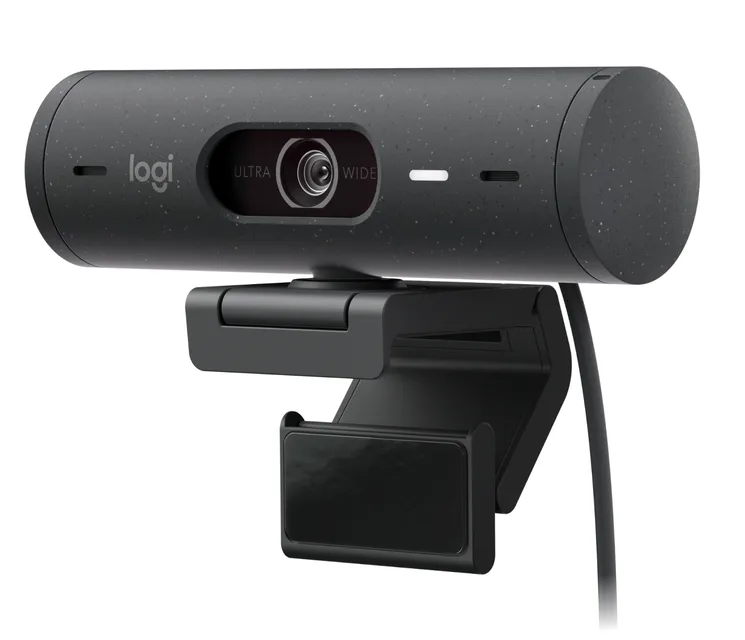
The Best Webcams for Working From Home (and One to Skip) · Office & WFH
Logitech Brio 500Won the comparison
The no-drama pick for meetings - it fixes bad home lighting on its own and just works.
Best for: Most remote workers who just want to look good on calls with zero tweaking.
$$ · mid-range
-
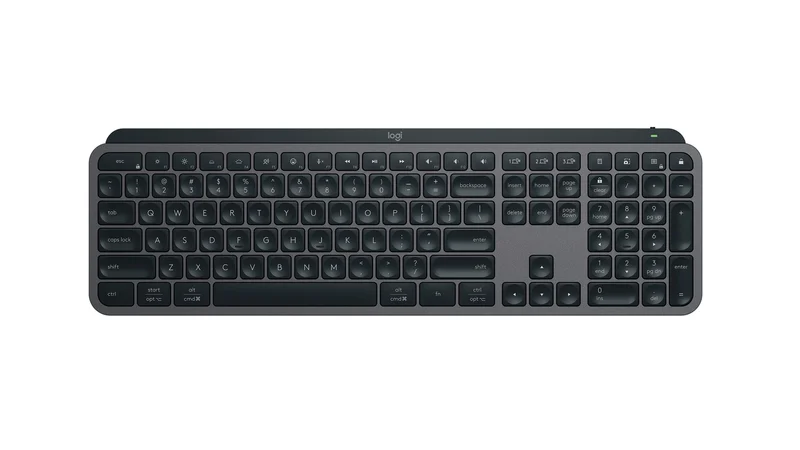
The Best Wireless Keyboards for Work: 4 Compared (and One to Skip) · Tech & Gadgets
Logitech MX Keys SWon the comparison
The low-profile productivity keyboard that does everything a desk worker needs and gets out of the way.
Best for: Anyone who wants one refined, quiet keyboard that moves cleanly between a work laptop, a personal desktop, and a tablet.
$$$ · premium
-
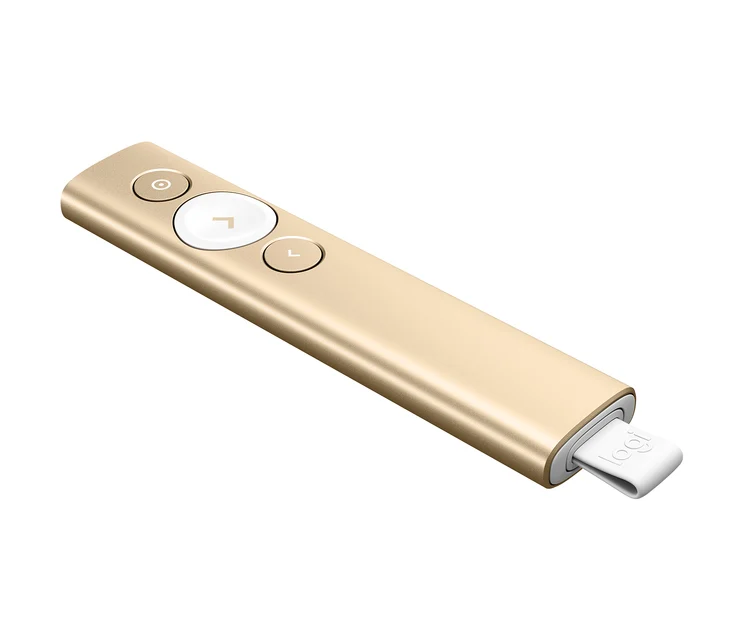
The Best Wireless Presenters: 4 Compared (and One to Skip) · Office & WFH
Logitech Spotlight Presentation RemoteWon the comparison
The only one here whose on-screen highlight works on a TV, a projector, or a video call where a laser dot would be invisible.
Best for: Frequent presenters, trainers, and anyone who presents to TVs, projectors, or remote/hybrid audiences.
$$$ · premium
-
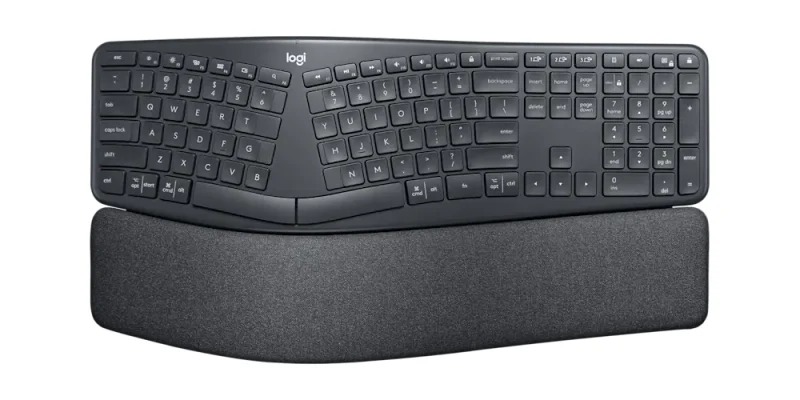
Best Ergonomic Keyboards (Split & Contoured) for Office and WFH · Office & WFH
Logitech Ergo K860Runner-up
The easiest on-ramp to ergonomic typing: a curved split layout with a cushioned wrist rest and almost no learning curve.
Best for: Office and WFH users who want comfort and a wrist lift without relearning how to type.
$$ · mid-range
-
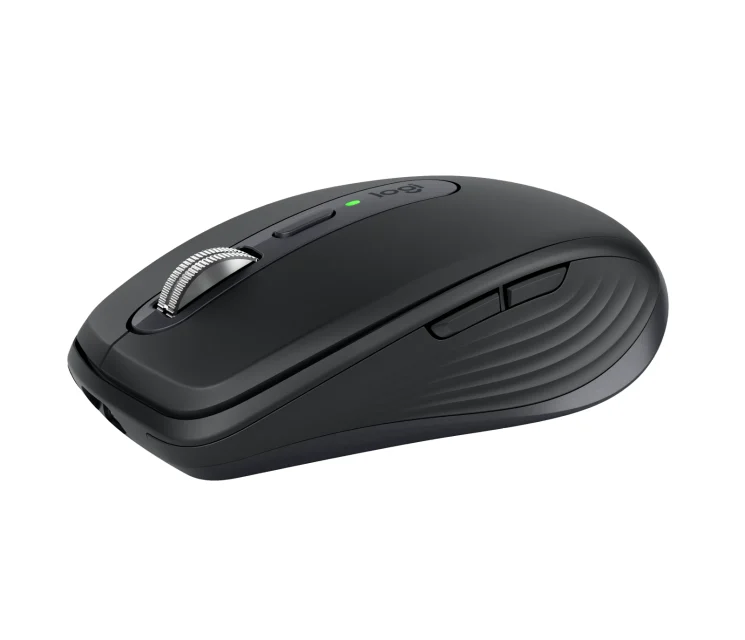
Best Wireless Mice for Office Work in 2026 · Tech & Gadgets
Logitech MX Anywhere 3SRunner-up
A compact version of the Master formula for people who work from a bag as much as a desk.
Best for: Laptop and hybrid workers who want premium scrolling in something pocketable.
$$$ · premium
-
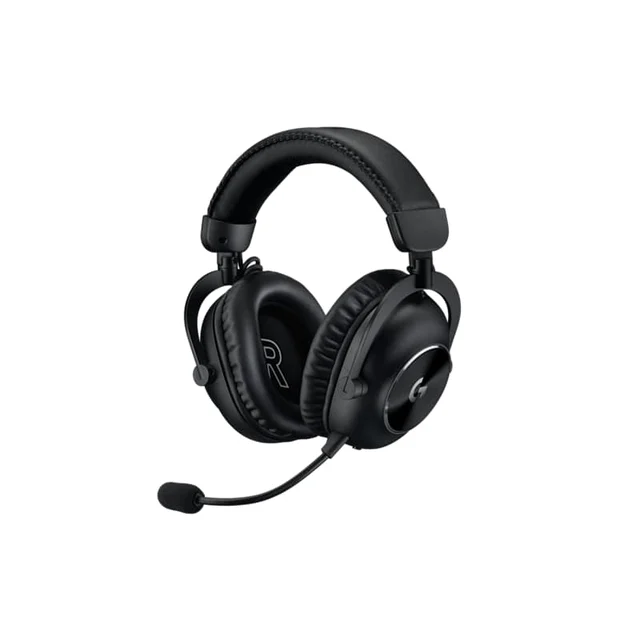
The Best Gaming Headsets in 2026 (and One to Skip) · Gaming
Logitech G Pro X 2 LightspeedRunner-up
A focused competitive headset with clean 50mm graphene drivers and a mic good enough for team chat, wrapped in a comfortable metal frame.
Best for: Competitive FPS players who want clean positional cues wirelessly and do not need ANC.
$$$ · premium
-
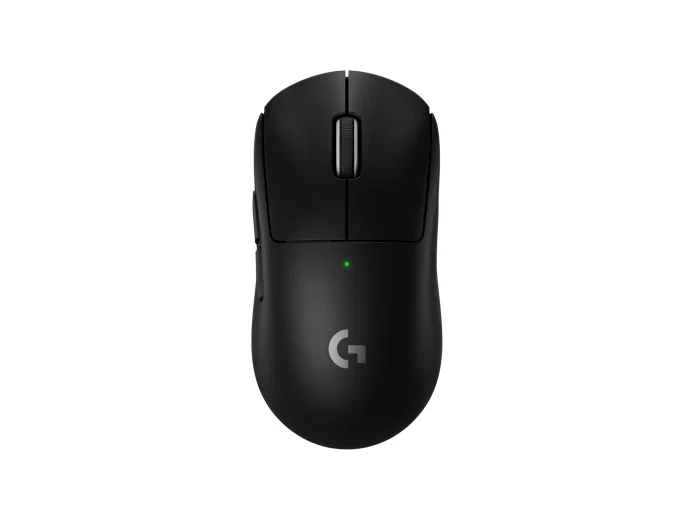
The Best Gaming Mice in 2026: Four Flagships Tested, One to Skip · Gaming
Logitech G Pro X Superlight 2Runner-up
The safest all-rounder, with a widely comfortable shape and long battery, if the silhouette fits your hand.
Best for: Players who want one comfortable, well-built wireless mouse and would rather not fuss with add-ons.
$$$ · premium
-
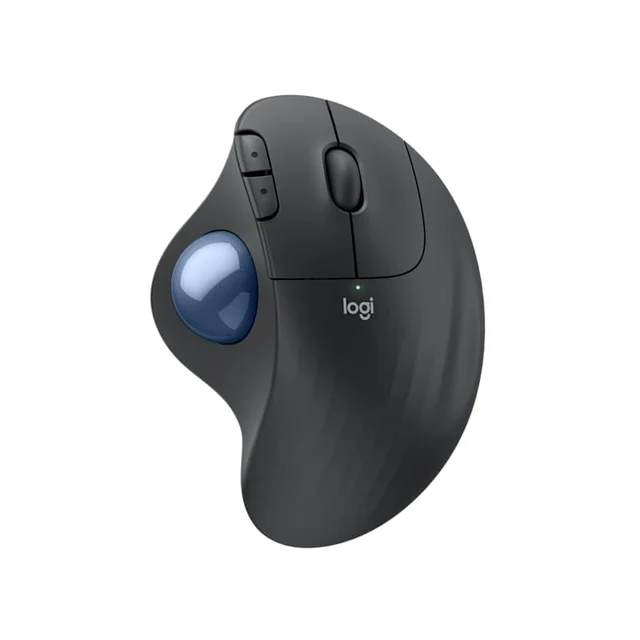
The Best Trackball Mice: 4 Compared (and One to Skip) · Office & WFH
Logitech ERGO M575SRunner-up
The easiest, cheapest way to find out whether a trackball is for you, with none of the frustrations that spoil bargain models.
Best for: First-time trackball buyers and anyone who wants a proven thumb model without paying premium money.
$$ · mid-range
-
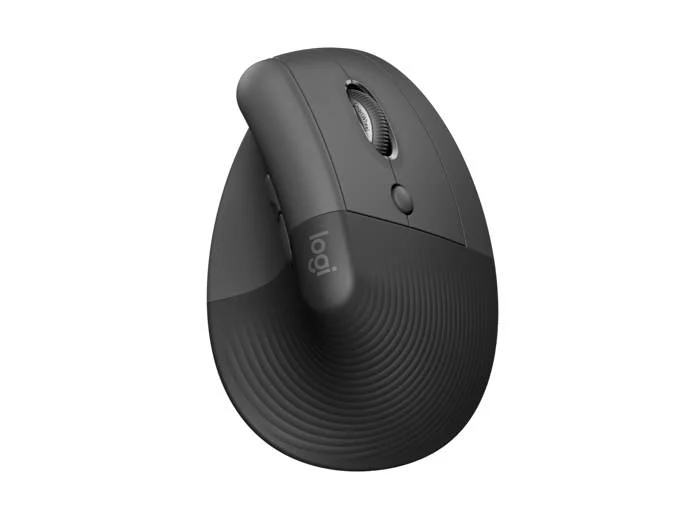
The Best Vertical Mice for Wrist Comfort: 4 Compared (and One to Skip) · Office & WFH
Logitech Lift Vertical Ergonomic MouseRunner-up
The same 57-degree comfort scaled down for smaller hands, with quiet clicks and a two-year battery - the easiest vertical mouse to live with.
Best for: Small-to-medium hands, left-handers, and anyone who wants near-MX comfort for less money and a quieter click.
$$ · mid-range
-
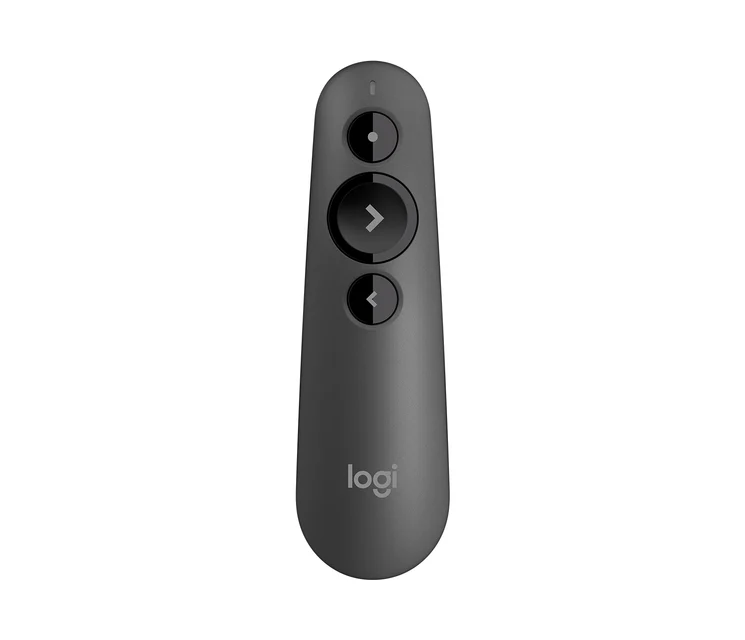
The Best Wireless Presenters: 4 Compared (and One to Skip) · Office & WFH
Logitech R500s Laser Presentation RemoteRunner-up
The default sensible pick, with dual connectivity, a full year on one AAA, and controls you can find without looking.
Best for: Most people, from office presenters and students who want a reliable, no-fuss clicker without paying for digital effects.
$$ · mid-range
It depends 4 products
-
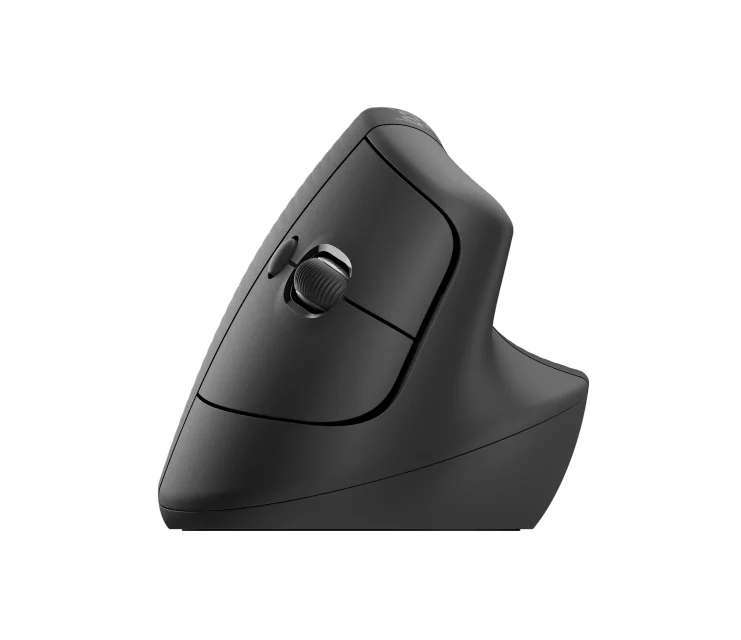
Best Wireless Mice for Office Work in 2026 · Tech & Gadgets
Logitech Lift Vertical Ergonomic Mouse
A vertical mouse that puts the wrist in a handshake posture, sized for smaller hands.
Best for: Anyone with wrist or forearm discomfort and smaller hands who wants relief without a big adjustment.
$$ · mid-range
-
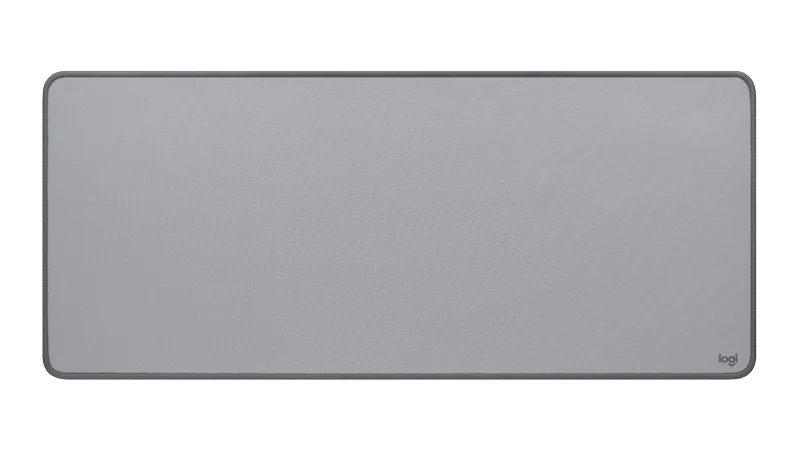
The Best Desk Mats: 4 Compared (and One to Skip) · Office & WFH
Logitech Desk Mat Studio Series
A big, cheap, spill-resistant cloth mat that's a superb mouse surface but barely a desk protector.
Best for: Anyone who mostly wants a large, reliable mouse surface and a splash of color on a budget.
$ · budget
-
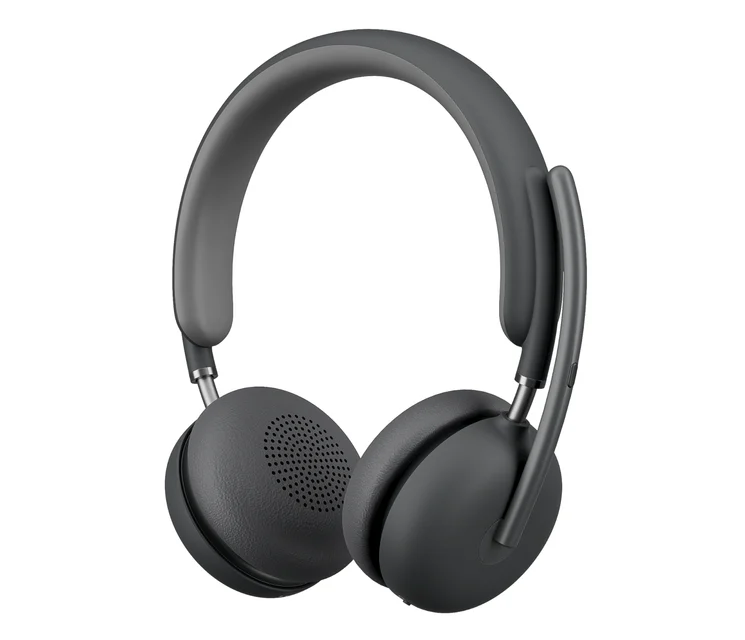
The Best Office Headsets for Calls & Video Meetings: 4 Compared (and One to Skip) · Office & WFH
Logitech Zone Wireless 2
Excellent AI-processed mic and ANC, but you pay flagship money and lean on the software.
Best for: Buyers who want the most polished on-camera mic-and-ANC package and don't mind paying for it.
$$$$ · flagship
-
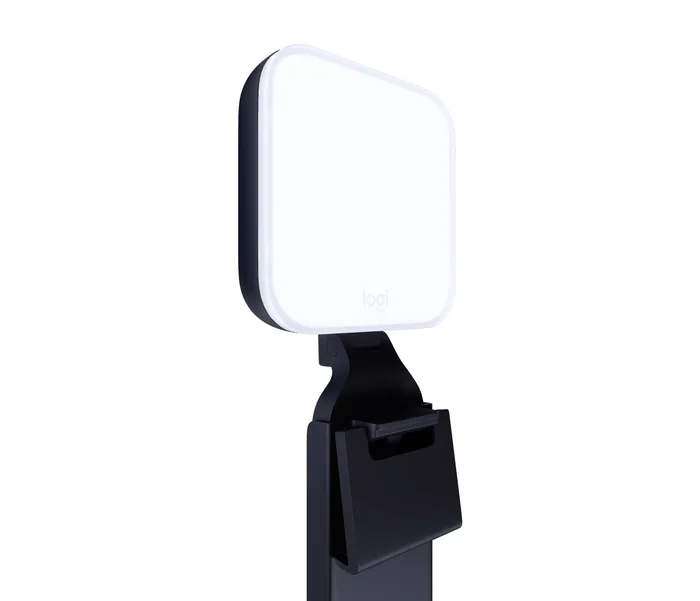
The Best Webcam Lights: 4 Compared (and One to Skip) · Tech & Gadgets
Logitech Litra Glow
250 lumens over USB, which lights a face beautifully and nothing else.
Best for: Laptop calls, travel and small desks where a full-size panel will not fit.
$ · budget
Skip it 4 products
-
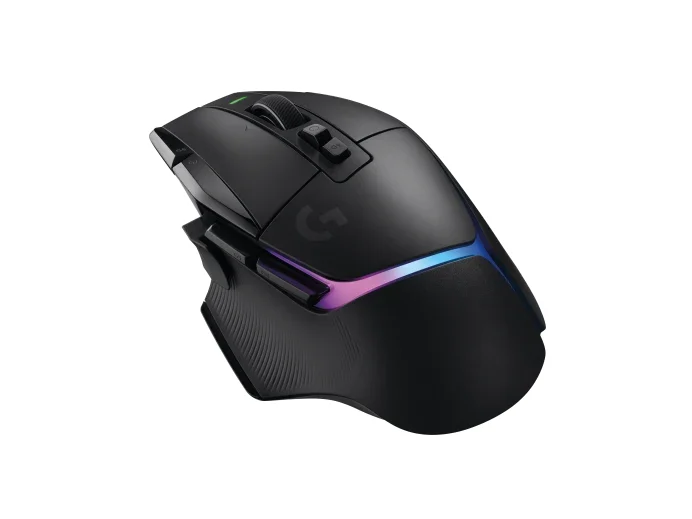
The Best Gaming Mice in 2026: Four Flagships Tested, One to Skip · Gaming
Logitech G502 X Plus
A heavy, button-loaded mouse that shines for macros and scrolling but lags lighter rivals for pure play.
Why we skip it: Heavy at about 106 g for fast, flick-heavy play
$$$ · premium
-
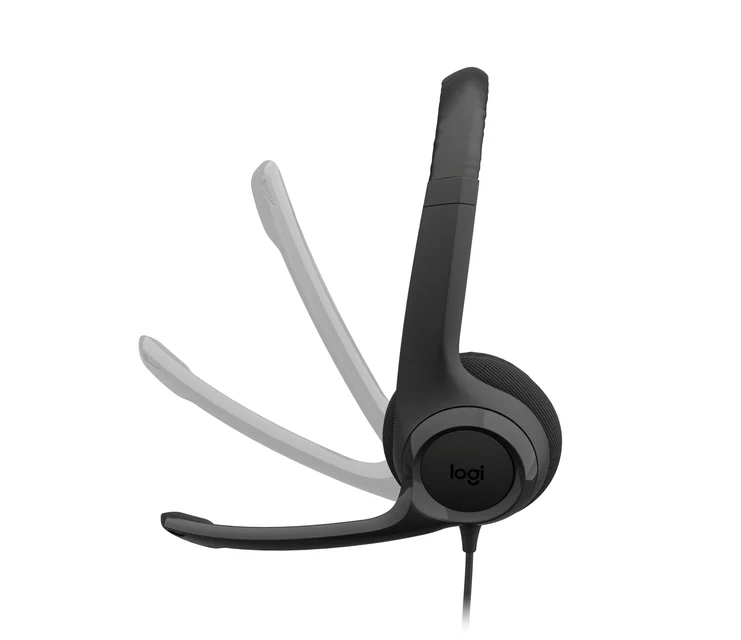
The Best Office Headsets for Calls & Video Meetings: 4 Compared (and One to Skip) · Office & WFH
Logitech H390
A cheap wired USB headset that's fine in a pinch but outclassed the moment you take meetings seriously.
Why we skip it: No wireless - you're tethered to the machine, which owners find limiting for video meetings
$ · budget
-
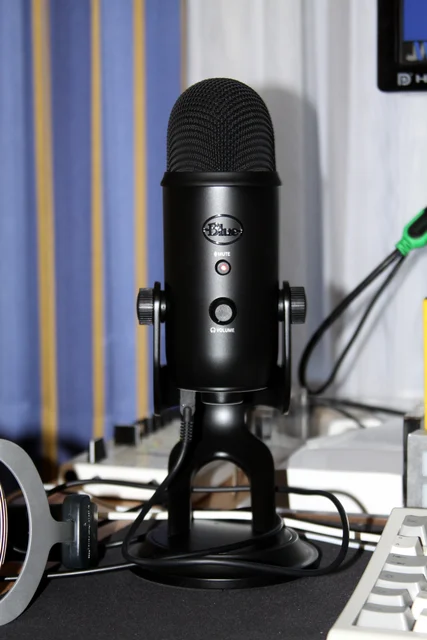
The Best USB Microphones for Podcasting and Streaming · Audio & Headphones
Logitech Blue Yeti
The popular default that floods an untreated room straight into your track.
Why we skip it: Side-address condenser captures the whole room
$$ · mid-range
-
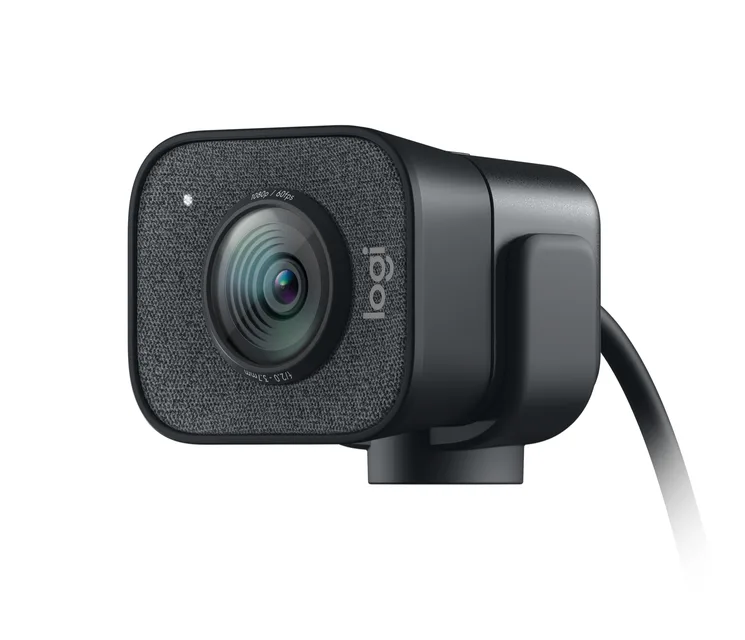
The Best Webcams for Working From Home (and One to Skip) · Office & WFH
Logitech StreamCam
A sharp streaming camera sold at a WFH price - but missing the things WFH actually needs.
Why we skip it: No privacy shutter and no HDR auto light correction
$$$ · premium
Logitech in our categories: Office & WFH (12) · Tech & Gadgets (5) · Gaming (3) · Audio & Headphones (1)