Explained
E-Ink Tablets, Explained
After reading, you'll understand what separates a great e-ink note-taker from a glorified e-reader, and which specs are worth paying for.
In this guide
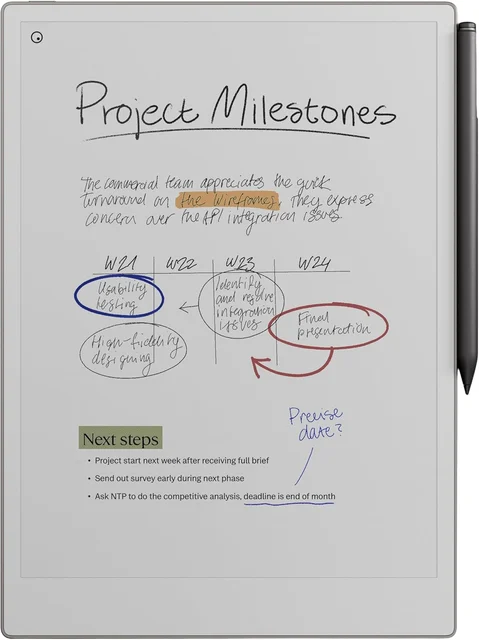
An e-ink tablet is a paper-like slate you write and read on, without the glare, distractions or eye strain of a glowing screen. The category looks simple from the outside, but the real differences hide in the writing feel, the note software, and whether core features are locked behind a subscription. What trips people up most is buying a device that reads beautifully but frustrates them the moment they try to take notes seriously.
The 30-second version
- Writing feel is the whole point. It's the one thing you can't upgrade later, so it should drive your choice more than screen size or color.
- "E-ink tablet" and "e-reader" are not the same thing. A true writing tablet has a big screen, an active pen and note software; an e-reader just happens to accept scribbles.
- Check for a subscription before you buy. Some devices put cloud sync and handwriting-to-text behind a paid plan, which changes the real long-term cost.
- Color e-ink still isn't like a phone screen. It's muted and refreshes slower, so only pay extra for it if you genuinely highlight or sketch in color.
- Open Android versus closed matters more than the spec sheet suggests. Open devices run any app but need tinkering; closed devices do less but stay calm and focused.
The products this guide is about
Our verdict on each, with the full reasoning on the companion review.
- Buy reMarkable Paper Pro The closest-to-paper writing tablet money can buy, if you accept a walled garden and a subscription. Amazon
- Buy Supernote A5 X2 Manta A repairable, subscription-free note-taker with a ceramic nib designed not to need replacing and strong organization tools.
- It depends Onyx BOOX Note Air5 C The most versatile e-ink tablet you can buy, but its open-Android nature is both the appeal and the catch. Amazon
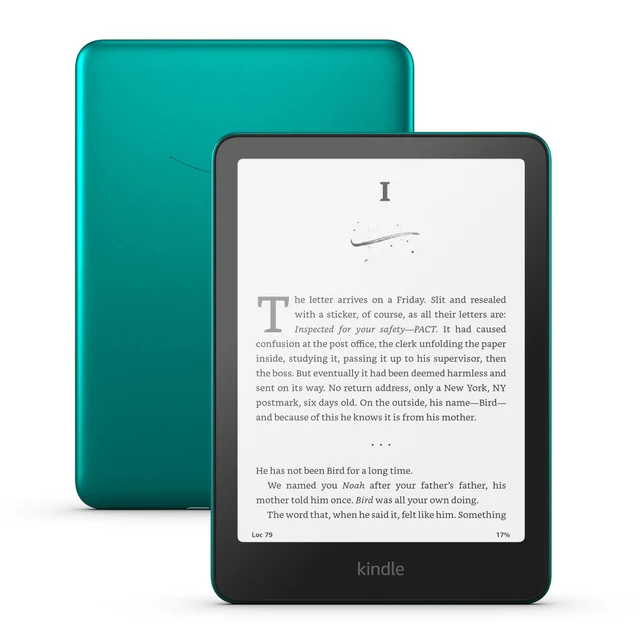
- Skip Amazon Kindle Scribe (2025) A superb Kindle that happens to write, but a frustrating choice if note-taking is why you're buying. Amazon
What actually matters
- Writing feel - how much friction the pen tip has against the screen and how quickly the ink appears. This is the single factor that decides whether you'll actually use the device daily, and it varies a lot between models.
- Note software and organization - whether you can tag, link, search and file notes in a way that scales past a handful of pages. A great screen is wasted if the notebook app is clumsy.
- Subscription requirements - some brands gate sync and handwriting conversion behind a recurring fee. Knowing this up front prevents an ongoing cost you didn't plan for.
- Sync and export - how easily your notes leave the device in a format your other apps can open. This determines whether your notes are truly yours or trapped on one gadget.
- Ecosystem openness - closed systems stay focused and reliable; open Android systems run Kindle, Notion and more but demand setup and occasional troubleshooting.
- Repairability and consumables - pen nibs and batteries wear out over years, so a repairable build or a long-life nib quietly saves money and keeps the device alive longer.
- Frontlight and display size - a frontlight lets you write in the dark, and a larger panel suits PDFs and diagrams, though both add cost and weight.
The specs, in plain English
Green flags vs red flags
Green flags
- Owner reports praise the writing feel as close to paper
- Core note-taking and reading work fully without any required subscription
- Notes export as standard files (PDF, PNG, or plain text) you can open elsewhere
- A repairable or modular build, replaceable battery, or a long-lasting nib
- Clear documentation about what the device can and can't do out of the box
Red flags
- Sync or handwriting conversion is locked behind a plan the listing barely mentions
- Notes are trapped in a proprietary ecosystem with no real export to your apps
- The pen is an expensive extra, or a compatible pen isn't included at all
- Reviews describe note-taking or annotation as an afterthought rather than the main feature
- Color is heavily marketed on a device where you mostly write plain text
- Vague specs that dodge writing latency, nib type, or subscription requirements
Who's who: the brands
- reMarkable - The benchmark for pure writing feel; polished, deliberately closed, and paired with an optional paid Connect plan.
- Supernote - The enthusiast value pick, known for repairable builds, a ceramic nib, strong organization and no subscription.
- Onyx BOOX - The versatile all-rounder running full Android, so it reads, annotates and runs apps, at the cost of some tinkering.
- Amazon (Kindle Scribe) - A superb e-reader that also writes, but note-taking and sync are largely tied to Amazon's ecosystem.
- Kobo - Reader-first e-ink devices with lighter note features, popular with people who buy books outside Amazon.
How to read a listing without getting fooled
When you read an e-ink tablet listing, look past the screen size and marketing and hunt for four things. First, find the words 'subscription', 'plan' or 'cloud' and figure out exactly which features need paying for; if the page is vague, assume some features cost extra. Second, check whether the pen is included and what the nib is made of, since a replaceable-nib pen means a small recurring cost. Third, see how notes leave the device: 'export to PDF' or 'runs Android apps' is reassuring, while 'syncs with our app' with no export mention is a warning. Finally, treat glowing claims about color and AI features skeptically, weigh them against what owners say about the boring fundamentals: latency, ghosting and how the software organizes hundreds of pages of notes.
How much should you spend?
Spend based on why you're buying, not on the biggest spec. The value sweet spot sits with the mid-to-premium purpose-built note-takers, where writing feel and organization are excellent and you don't pay a flagship premium for a color panel you may rarely use. Paying more is genuinely worth it if the closest-to-paper writing feel and a larger color, front-lit screen matter to your daily work, and if a recurring subscription doesn't bother you. Paying less makes sense if you mostly read and only occasionally jot notes, though the cheapest options often lock your notes into one ecosystem. Remember to factor in the true long-term cost: subscriptions, replacement nibs and batteries add up over years, so a slightly pricier but repairable, fee-free device can be the cheaper choice in the end.
Questions, answered
What's the difference between an e-ink tablet and a regular e-reader?
An e-reader like a basic Kindle or Kobo is built for reading, with a small screen and no real pen. An e-ink tablet has a larger display, an active stylus and proper note software, so it's designed for handwriting and marking up documents. E-ink tablets can read too, but its reason to exist is writing.
Do I have to pay a monthly subscription?
Not always, but sometimes. A few devices put cloud sync and AI handwriting conversion behind a paid plan, while the tablet still works without it with fewer cloud features. Many others have no required subscription at all for their core note-taking and reading, so check this specifically before you buy.
Is a color e-ink screen worth the extra money?
For most note-takers, not yet. Color e-ink is useful for highlighting and light sketching, but the colors look muted and the screen refreshes more slowly than monochrome. If your notes are mostly text, a sharp monochrome device usually feels crisper and faster, and costs less.
Can I get my notes into apps like OneNote, Notion or Obsidian?
It depends on the device. Ones running full Android can install those apps directly. Others export notes as files or through their own cloud, which works but adds a step. A few keep notes largely locked to the maker's ecosystem, so if cross-app syncing matters to you, confirm it before buying.
Will the pen or battery wear out, and can I replace them?
Over years, yes. Pen nibs wear down with use and batteries lose capacity, just like on any device. Some tablets use a ceramic nib advertised as long-lasting, and some have repairable or modular builds with swappable parts. A sealed device isn't a dealbreaker, but repairability extends its useful life.
Is an e-ink tablet good for reading books and PDFs, not just notes?
Yes, though how well varies. They read comfortably thanks to the paper-like, glare-free screen, and the larger sizes handle PDFs and textbooks well. Devices tied to a big bookstore make buying books effortless, while open Android ones let you install multiple reading apps. If reading is your main goal, weigh library access alongside writing feel.
Or jump to the head-to-head: reMarkable Paper Pro vs Supernote A5 X2 Manta.