

Brand · 7 products · Office & WFH and Tech & Gadgets
Kensington
Is Kensington worth buying?
Kensington earned a buy verdict on 2 of the 7 Kensington products we compared (29%), well below the 50% average across every brand on the site. 2 are an "it depends": right for a specific buyer, not for everyone. We would skip 3: Kensington Orbit Wireless Trackball with Scroll Ring, Kensington Underdesk Basic Keyboard Drawer (K60009US) and Kensington Wireless Presenter with Red Laser & Nano Receiver.
Verdicts synthesize independent testing and long-term owner reports; we do not run a lab and never take review units. Each product below links to the comparison it was judged in. How we review.
Buy it 2 products
-
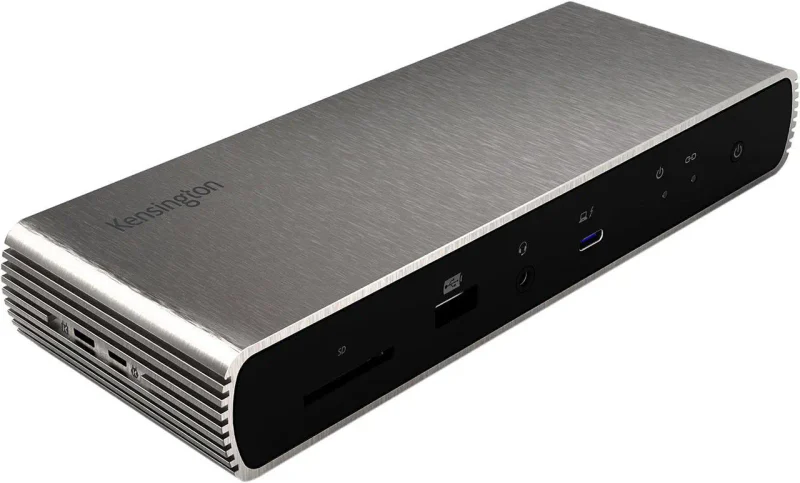
The Best Laptop Docking Stations: 4 Compared (and One to Skip) · Tech & Gadgets
Kensington SD5700T Thunderbolt 4 Docking StationRunner-up
A quieter, more affordable office workhorse with dual 4K output, a aluminum build, and security-lock mounting.
Best for: Office and hybrid setups that value stability, security, and a lower price over maximum port count.
$$$ · premium
-
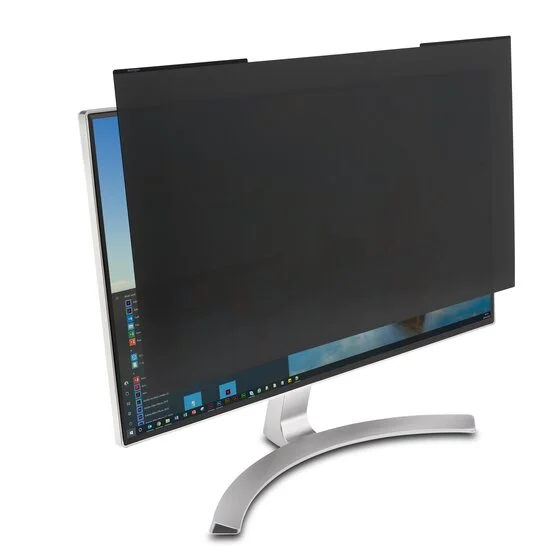
The Best Monitor Privacy Screens: 4 Compared (and One to Skip) · Office & WFH
Kensington MagPro Magnetic Privacy ScreenRunner-up
A magnetic frame turns the filter into something you actually take off, which is why it stays in use.
Best for: Office workers who share their screen, hot desk, or know they will stop using a filter that is fiddly to remove.
$$ · mid-range
It depends 2 products
-
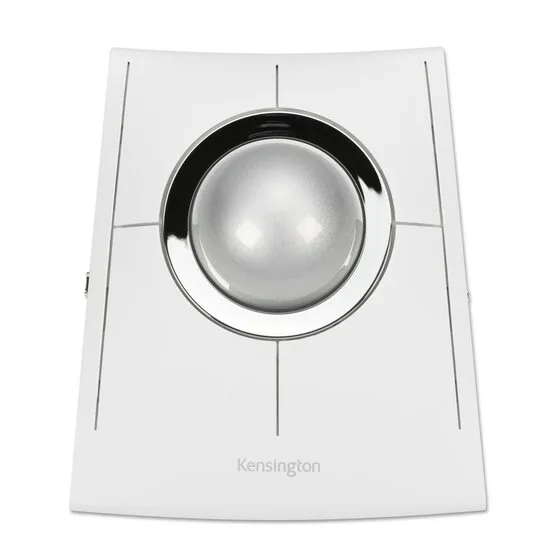
The Best Trackball Mice: 4 Compared (and One to Skip) · Office & WFH
Kensington SlimBlade Pro EQ
A precise, ambidextrous 55mm finger-ball for people who dislike thumb control, if you can live with a flat body and twist-to-scroll.
Best for: Finger-trackball fans, left-handers, and anyone who wants to alternate hands during the day.
$$$ · premium
-
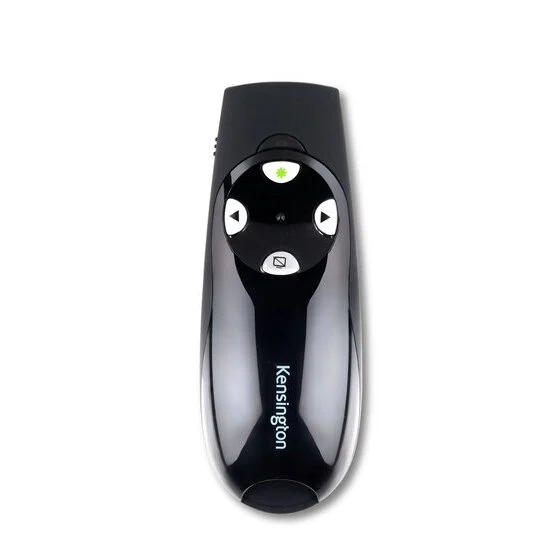
The Best Wireless Presenters: 4 Compared (and One to Skip) · Office & WFH
Kensington Presenter Expert Wireless with Green Laser
A big-room specialist: the green laser is far easier to see across a hall, but you give up Bluetooth and any on-screen pointer.
Best for: Lecturers and conference speakers who present in large physical rooms and need a pointer people can actually follow.
$$ · mid-range
Skip it 3 products
-
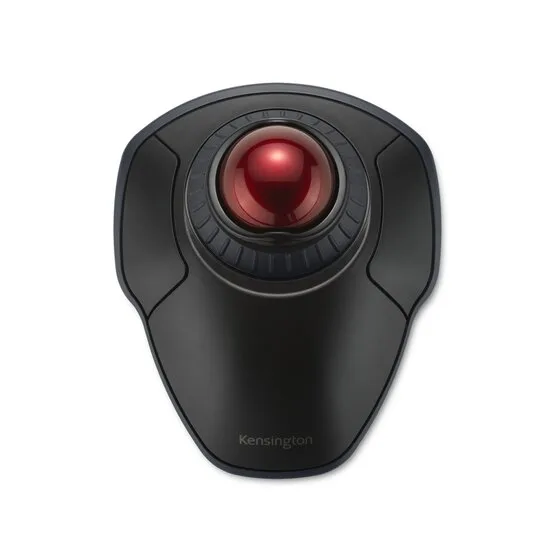
The Best Trackball Mice: 4 Compared (and One to Skip) · Office & WFH
Kensington Orbit Wireless Trackball with Scroll Ring
A cheap wireless finger-ball with a scroll ring, but a small 40mm ball and no published battery details; spend a little more on the M575S.
Why we skip it: A 40mm ball, against 55mm on the SlimBlade Pro EQ, so fine control relies on a smaller surface under the fingers
$ · budget
-
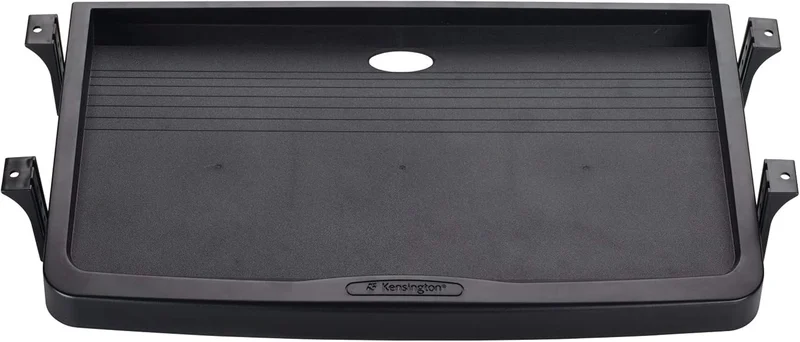
The Best Under-Desk Keyboard Trays: 4 Compared (and One to Skip) · Office & WFH
Kensington Underdesk Basic Keyboard Drawer (K60009US)
A plastic drawer that still wants holes in your desk but adjusts in no direction and leaves your mouse up on the desktop.
Why we skip it: No tilt at all and no adjustment after installation, so it costs you desk height and returns nothing ergonomically
$ · budget
-
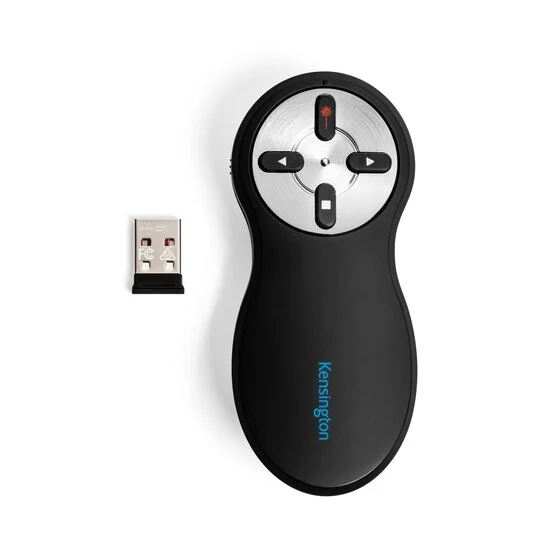
The Best Wireless Presenters: 4 Compared (and One to Skip) · Office & WFH
Kensington Wireless Presenter with Red Laser & Nano Receiver
Nothing broken here; it's just so basic that a small step up to the R500s gets you Bluetooth, longer battery, and better ergonomics.
Why we skip it: Red laser is faint on modern bright displays and invisible on any shared or video screen
$ · budget
Kensington in our categories: Office & WFH (6) · Tech & Gadgets (1)