Explained
LED Strip Lights, Explained
After reading, you'll understand how to compare LED strips on brightness, zones, white light and smart home support.
In this guide
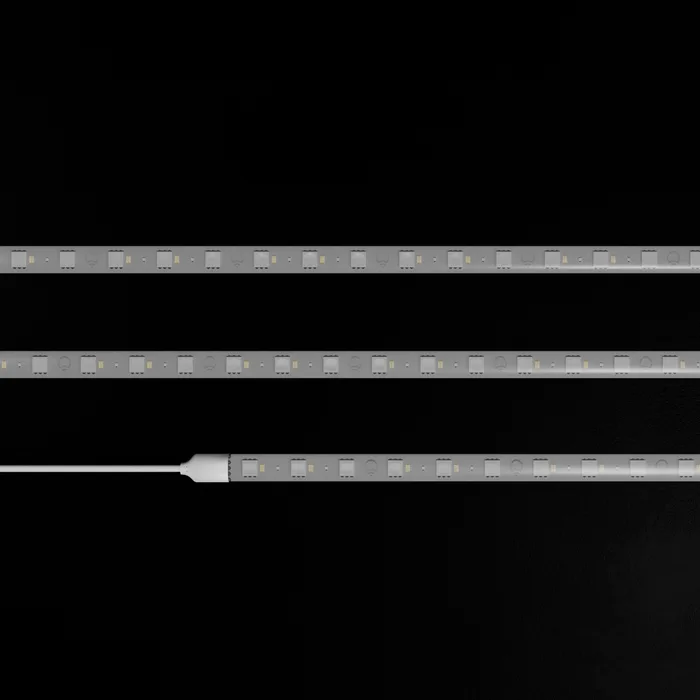
LED strips all promise millions of colours, but that number is almost meaningless because every strip can mix red, green and blue. What differs is how bright they are, how many parts of the strip can show different colours, how good their white light is, and how they connect to your smart home. Those are the details worth checking.
The 30-second version
- Lumens per metre is the key brightness figure, and many brands hide it.
- Zones decide effects, from a single colour to smooth gradients.
- White quality matters for everyday light, so look for colour temperature range and CRI.
- Matter simplifies smart homes, but some strips need a separate controller.
- Extendability varies, and some strips cannot be joined at all.
The products this guide is about
Our verdict on each, with the full reasoning on the companion review.
- Buy LIFX SuperColor 80" Lightstrip Kit The brightest strip here with a published CRI, Matter, no hub and room to extend.
- Buy Govee Strip Light 2 Pro A long, well-specified RGBWW strip with fine segment control and Matter, at a sensible price.
- It depends Nanoleaf Smart Multicolor Lightstrip Beautiful, smooth gradients with up to 300 zones, and modest brightness with no way to extend.
- Skip Wyze Light Strip Pro A cheap segmented strip that will not tell you how bright it is.
What actually matters
- Brightness - lumens per metre or total lumens with length. Accent lighting needs little; task or room lighting needs much more.
- Zones or segments - independently coloured sections that allow gradients and effects.
- LED type - RGB mixes colours; RGBW and RGBWW add dedicated white LEDs for better whites.
- Colour temperature - the range of whites, from warm around 2700K to cool above 6000K.
- CRI - colour rendering index, how naturally white light shows colours. Higher is better.
- Smart home support - Matter, Wi-Fi, Bluetooth and hub requirements.
- Length and extension - whether it can be cut, extended or joined.
The specs, in plain English
Green flags vs red flags
Green flags
- Lumens per metre or total lumens with length published.
- Zone count stated.
- Colour temperature range and CRI published.
- Matter support with any requirements explained.
- A clear warranty term.
Red flags
- Only a colour count, with no brightness figure.
- Per-LED brightness for single colours instead of a total.
- No mention of whether strips can be joined or extended.
- No warranty term on the product page.
- Indoor strips sold for outdoor use.
Who's who: the brands
- LIFX - Makes bright Wi-Fi smart lights with no hub and detailed spec sheets.
- Govee - Known for affordable, long LED strips with segment control and many scene modes.
- Nanoleaf - Focuses on design-led smart lighting with smooth gradients and screen sync.
- Wyze - Budget smart home brand known for inexpensive cameras, bulbs and strips.
How to read a listing without getting fooled
Start with brightness and convert it to lumens per metre if you can. Check the zone count if you want effects, and the white range and CRI if you want everyday light. Confirm the smart home support and whether a hub or Matter controller is needed. Then check the length options, whether it can be cut and extended, the power draw and the warranty.
How much should you spend?
Budget strips are fine for simple accent lighting but often omit brightness and warranty details. The mid-range offers long strips with segment control and Matter, and suits most homes. Premium strips buy brightness, better whites and fuller specifications, and they are worth it when the strip is main lighting rather than decoration. Price per metre varies widely, so compare on length as well as kit price.
Questions, answered
Can LED strips replace ceiling lights?
Bright strips can light a room when placed in coves or along ceilings, but most strips are designed for accent lighting. Check the lumen output and use several strips or a bright model if you want it to be your main light.
Do LED strips use much electricity?
Usually not much. Wattage depends on length and brightness, from under 20 watts for short strips to around 70 watts for long, bright kits. They are generally efficient compared with older lighting.
Can I use indoor strips outdoors?
No. Indoor strips like those rated IP20 are not protected against water. Use strips designed and rated for outdoor use.
Why do my strips look dotted?
Because the LEDs are visible individually. Higher LED density, diffuser channels or placing the strip so the light bounces off a surface all give a smoother line of light.
Or jump to the head-to-head: LIFX SuperColor 80" Lightstrip Kit vs Govee Strip Light 2 Pro.