

Tech & Gadgets · Head-to-head
ASUS ROG Strix XG32UCWMG vs GIGABYTE MO27U2
Which should you buy? Our verdict on both, pulled from our full The Best 4K Gaming Monitors: 4 Compared (and One to Skip) comparison.
The ASUS ROG Strix XG32UCWMG is the most complete pick: a big 32-inch 4K WOLED that pairs cinematic image quality with a dual-mode trick for competitive play and a glossy coating that survives daylight. If you want the same OLED magic for less, the 27-inch GIGABYTE MO27U2 delivers 4K/240Hz QD-OLED and a USB-C KVM at the best current price.
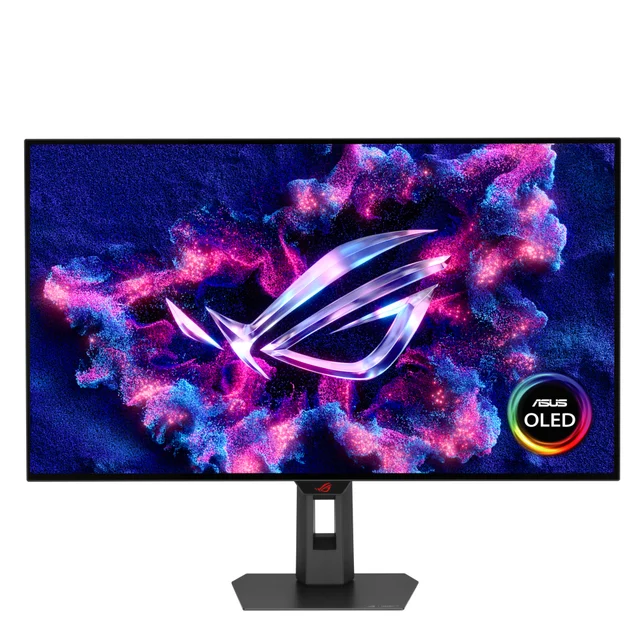
ASUS ROG Strix XG32UCWMG
Buy itA 32-inch 4K glossy WOLED that runs 240Hz natively and flips to 480Hz at 1080p, and it holds its blacks in a bright room.
- 32-inch 4K WOLED at 240Hz with near-instant 0.03ms pixel response, per independent testing
- Dual-mode switching to 1080p at 480Hz for competitive play without buying a second display
- TrueBlack glossy WOLED coating that reviewers report keeps blacks looking black under room lighting, unlike matte QD-OLED
- Full HDMI 2.1, DisplayPort 1.4 with DSC, USB-C, plus proximity sensor and burn-in safeguards
- USB-C carries only modest power delivery, so it will not charge a hungry laptop
- WOLED color volume is a touch narrower than QD-OLED at the extremes
- OLED HDR brightness impresses in highlights but full-field brightness is limited, as with all current OLEDs
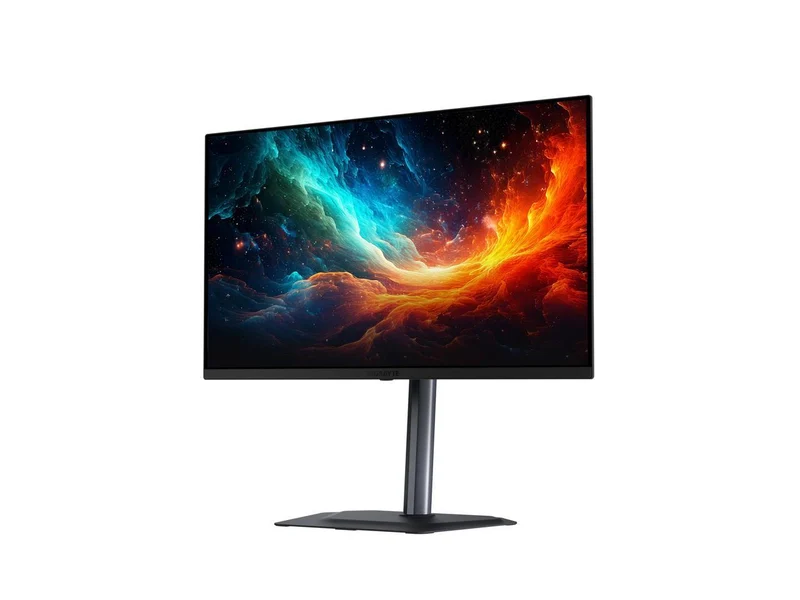
GIGABYTE MO27U2
Buy itThe most affordable way into 4K/240Hz QD-OLED, with a 27-inch panel, a USB-C KVM, and a burn-in warranty.
- 27-inch 4K QD-OLED at 240Hz and 0.03ms, with a dense 166 pixels-per-inch for sharp text and edges
- Latest-generation tandem QD-OLED with roughly 99% DCI-P3 coverage and DisplayHDR True Black 400
- USB-C with power delivery plus an integrated KVM to drive two systems from one keyboard and mouse
- Three-year warranty that explicitly covers burn-in, which owners cite as peace of mind
- Reviewers note the on-screen menu can be fiddly and some motion-clarity options were unavailable in testing
- 27 inches at 4K is very sharp but feels small to some after a 32-inch panel
Side by side
| ASUS ROG Strix XG32UCWMG | GIGABYTE MO27U2 | |
|---|---|---|
| Our verdict | Buy | Buy |
| Best for | Players who want one 32-inch screen that does cinematic 4K and fast competitive modes, and who game in a normally lit room. | Buyers who want genuine QD-OLED image quality and 240Hz for the lowest current outlay, especially at a desk. |
| Price tier | $$$ · premium | $$$ · premium |
The bottom line
Our overall pick is the ASUS ROG Strix XG32UCWMG - A 32-inch 4K glossy WOLED that runs 240Hz natively and flips to 480Hz at 1080p, and it holds its blacks in a bright room. Choose the GIGABYTE MO27U2 instead if buyers who want genuine QD-OLED image quality and 240Hz for the lowest current outlay, especially at a desk.
Want the full picture, including the other options we compared and the popular one we'd skip? Read the complete The Best 4K Gaming Monitors: 4 Compared (and One to Skip).